Winning Teapot
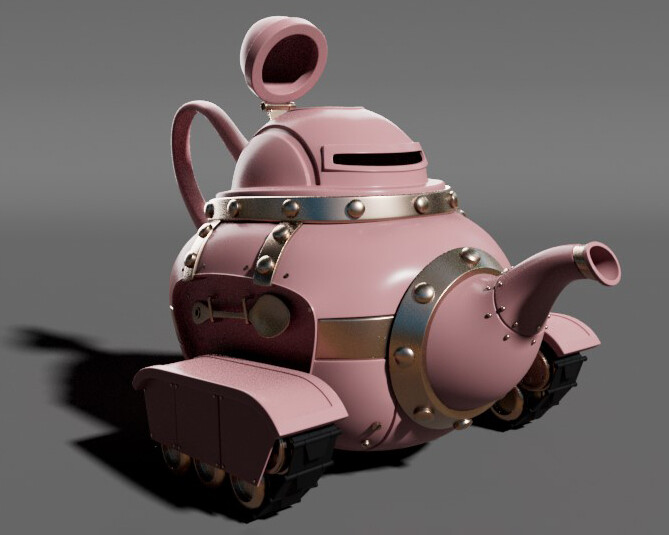
Applied Arnold standard surface material to provided teapot model. Applied shaders and adjusted them according to project requirements.

Texture on Hardware enabled. Used the node editor panel to apply provided bump map to material and adjust as outlined in classroom instruction.
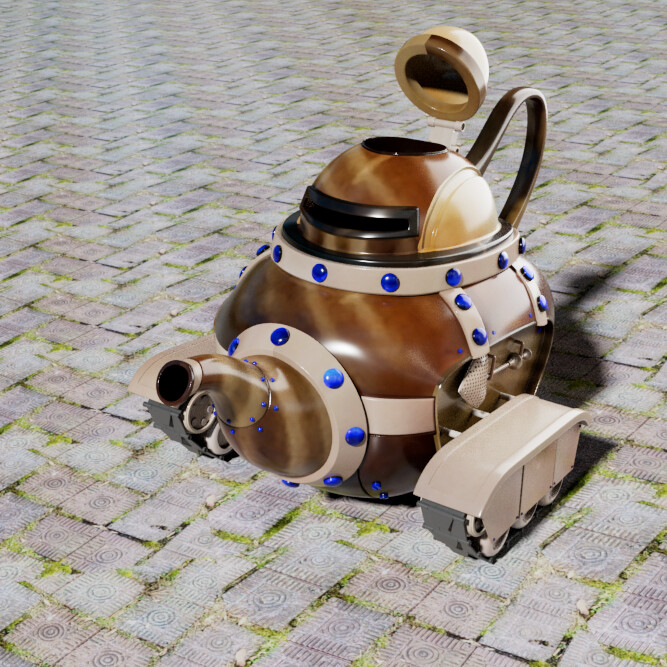
Winner! Materials created from photographs using Adobe Capture. Exported for use in Maya. Applied material maps to substance on provided teapot. Adjusted shell placement on UV Map to make the swirl pattern more evident. Learn more in the description.
Best Teapot in Class Winner!
Teapot model provided.
Using node editing tools, applied Arnold standard surface materials to teapot. Assigned and adjusted shaders and bump maps according to instructions for dielectric and non-dielectric materials in Maya. Explored using unique custom materials previously created using Adobe Capture. Adjusted shell placement on UV Map to bring out the swirl pattern on the main teapot. Adjusted rivet placement and scale to include more of the jewel look from material. Materials created: Botswana Agate, Rose Quartz, Bedazzled jewel, and antique brick layout of walkway. More of an experiment than anything but won the title of best teapot of the class competition via peer votes.
Detailed breakdown coming soon via new blog under construction.